
OBSBOT Tiny 3
OBSBOT Tiny 3 - AI-Powered Spatial Audio 4K PTZ Webcam | AI Vitamin
- OBSBOT (Remo Intelligent Technology (Shenzhen) Co., Ltd.)
- Shenzhen, China
An independent directory listing. AI Vitamin does not sell this device or process orders. The manufacturer link opens an external website.
AI summary
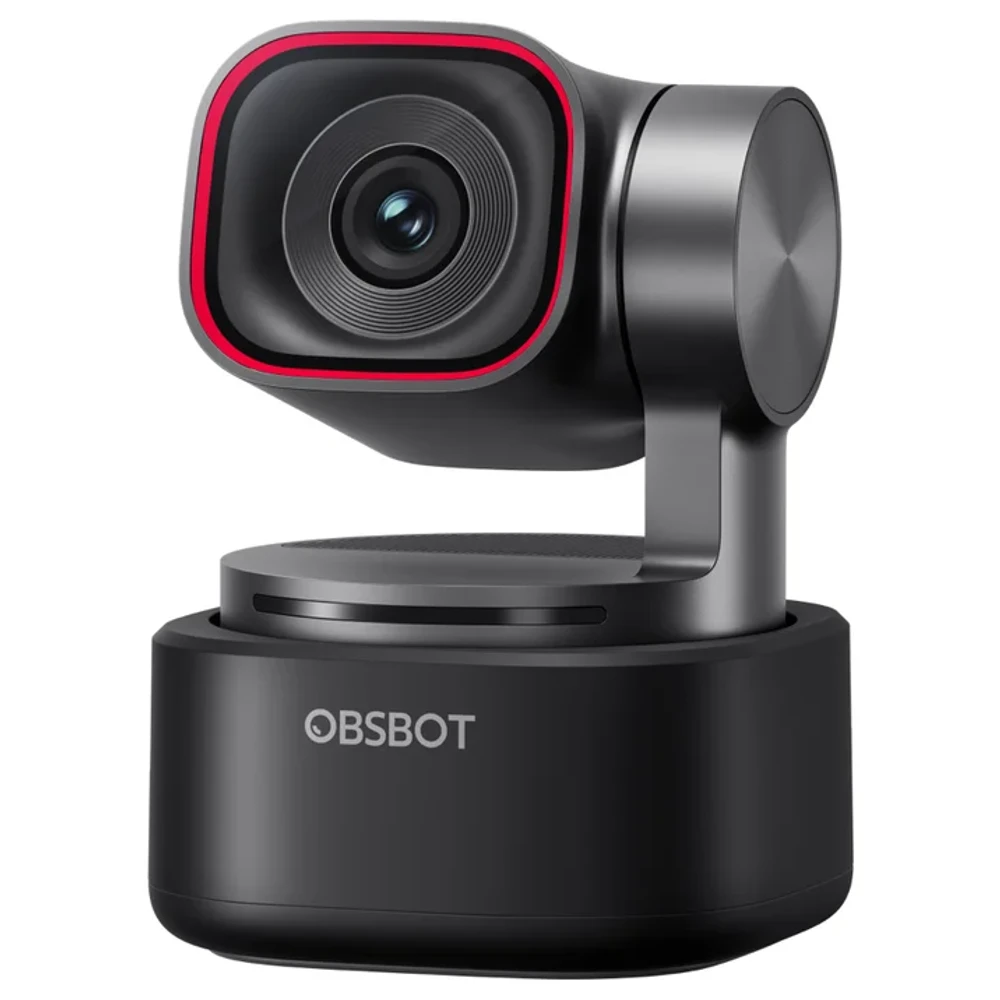
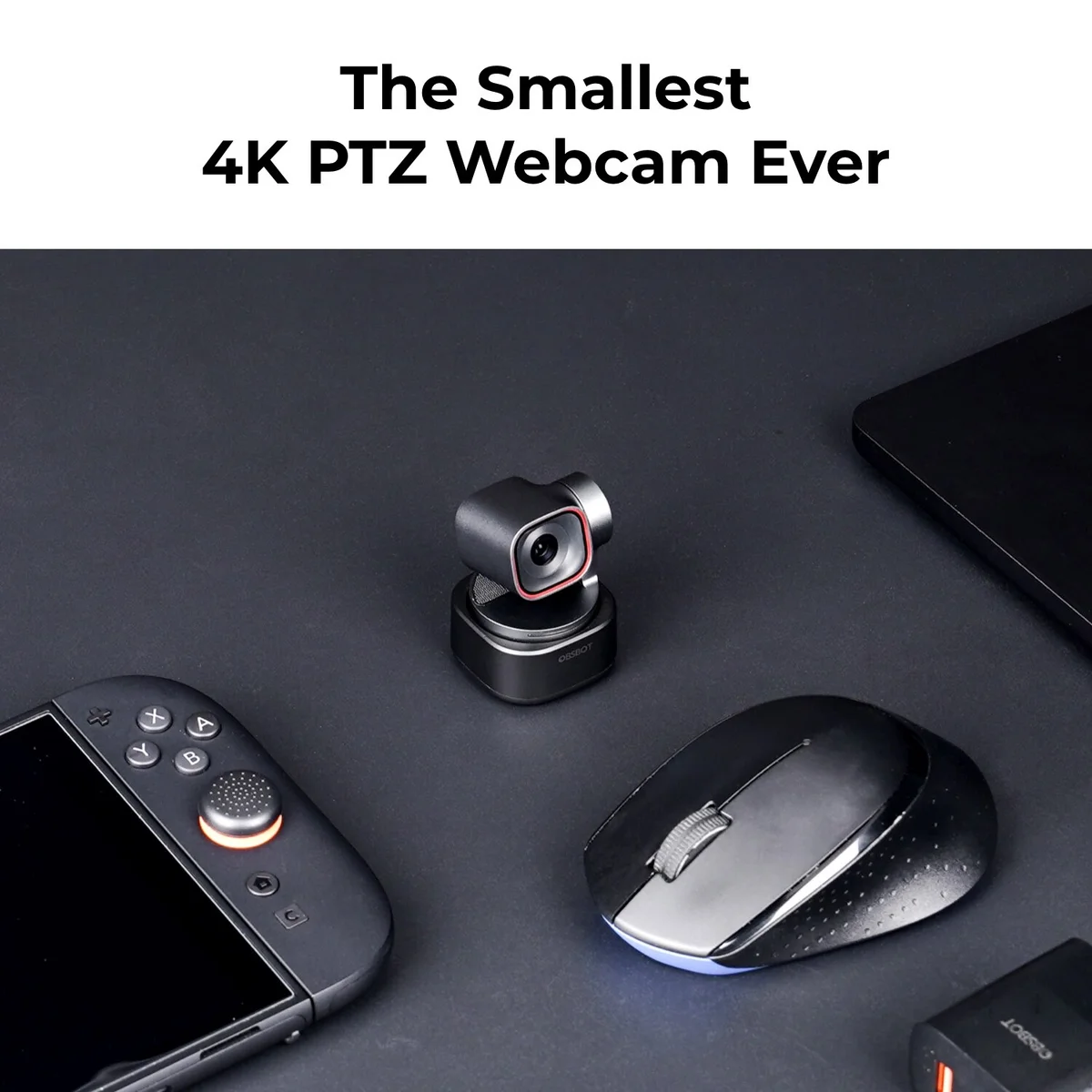
OBSBOT Tiny 3 is a compact 4K PTZ webcam with a 1/1.28-inch 50 MP sensor, AI subject and voice tracking, gesture and voice controls, a three-microphone spatial audio system and desktop software tools for framing, remote collaboration and meeting notes.
Reference pricing
Published prices for United States. AI Vitamin does not set prices or sell devices. Check the source for current prices, taxes and terms.
Hardware options
| Option | Listed price |
|---|---|
| OBSBOT Tiny 3 | $349.00Source · Observed Sep 30, 2026 |
| Tiny 3 Mic Combo | $398.00Source · Observed Sep 30, 2026 |
| Tiny 3 Remote Combo | $388.00Source · Observed Sep 30, 2026 |
| Tiny 3 Standard Combo | $435.00Source · Observed Sep 30, 2026 |
| Tiny 3 Multicam Combo | $1,199.00Source · Observed Sep 30, 2026 |
| Tiny 3 Streaming Combo | $655.00Source · Observed Sep 30, 2026 |
Specifications
Key hardware details first, followed by the complete product specification.
Key specifications
- Microphones
- One omnidirectional microphone and two directional microphones
- Sensor
- 1/1.28-inch CMOS, 50 megapixels
- Video capture
- 4K up to 30 fps; 1080p and 720p up to 120 fps in MJPEG
- Dimensions
- 37 × 37 × 49 mm
Audio
- Audio modes
- Pure Audio, Spatial, Smart Omni, Directional and Dual-Directional
- Audio specifications
- 24-bit / 48 kHz; maximum SPL 130 dB; 69 dB signal-to-noise ratio
- External microphone support
- Up to two OBSBOT Vox SE microphones; OBSBOT Vox and third-party microphones are not supported
- Microphones in sleep mode
- Microphone behavior can be configured in OBSBOT Center
Camera & capture
- Lens
- f/1.8; 24 mm equivalent focal length
- Field of view
- Diagonal: 82.4° in 4:3 or 74° in 16:9; horizontal: 70°
- Focus
- All-pixel PDAF autofocus and manual focus; minimum focusing distance 14 cm
- Exposure
- ISO 100–12,800 and ±3 EV compensation
- Additional MJPEG resolutions
- 1920 × 1440 and 1280 × 960 up to 30 fps
- YUV formats
- 640 × 480 and 640 × 360 up to 30 fps
- HDR
- Dual conversion gain HDR
- Zoom
- Up to 4× digital zoom
Capabilities & dependencies
- Phone dependency
- A phone is not required for supported desktop webcam use
- External dependencies
- Compatible USB host; optional adapters, Vox SE microphones and remote sold separately
Connection & companion
- Compatible platforms
- Windows 10 64-bit or later; macOS 11 or later
- Recommended computer
- For 4K or 120 fps: Apple M1 or Intel 10th-generation Core i5 or better with 8 GB RAM
- Advanced effect requirements
- Eye Tracking and Advanced Background Blur require an NVIDIA GeForce RTX 20 Series GPU or higher
- Software
- OBSBOT Center for desktop controls; Obsbot Live for supported mobile devices
- Mobile compatibility
- Phone and tablet support varies by model; official FAQ says iOS support is planned for future Obsbot Live updates
- Remote collaboration
- RTC Remote Interaction allows remote camera control in OBSBOT Center
- HDMI output
- No direct HDMI; requires the separately sold OBSBOT UVC to HDMI Adapter 2nd Gen
- NDI output
- No direct NDI; requires the separately sold OBSBOT UVC to NDI Adapter
Design & carry
- Weight
- 63 g
Gimbal & tracking
- Gimbal
- Non-removable two-axis pan and tilt gimbal
- Controllable range
- Pan ±130°; tilt −60° to +32°
- Mechanical range
- Pan ±150°; tilt ±90°
- Maximum movement speed
- 120° per second
- AI tracking
- AI Tracking 2.0, subject switching, face tracking, group framing, zones and automatic zoom
- Voice tracking
- Voice Locator and Voice Tracking use the built-in microphone array
- Framing tools
- Three preset positions, desk mode and hand/whiteboard framing
Interaction
- Voice control languages
- English and Chinese
- Voice controls
- Built-in microphones required; voice control cannot use Vox SE and can be disabled in software
- Gesture control
- Gesture Control 2.0 for hands-free framing and zoom
- Remote controller
- OBSBOT Tiny Smart Remote 2; Tail Air and third-party remotes are not supported
Operating conditions
- Temperature range
- 0–40°C
Power & charging
- Power
- USB power, 5 V / 0.6 A
Privacy & data
- Data upload and processing
- Connected software services are governed by the OBSBOT privacy policy; webcam video is provided to the selected host app
- Export and deletion
- Account and personal-data rights are described in the official privacy policy
Software & productivity
- Meeting notes
- AI Magic Notes in OBSBOT Center provides meeting summaries and speaker identification
- Presentation tools
- Teleprompter overlays, picture-in-picture and looping presentation tools
Support & ownership
- Warranty
- 1-year limited warranty
- Firmware updates
- Official webcam firmware upgrade manual and OBSBOT Center update workflow
- Manufacturer
- Remo Intelligent Technology (Shenzhen) Co., Ltd.
What is included
- In the box
- Tiny 3 webcam, adjustable mount, USB-C to USB-C cable, USB-C to USB-A adapter and storage case
FAQ
How is the webcam firmware updated?
Use the official OBSBOT Webcam Firmware Upgrade Manual and the supported OBSBOT Center update workflow.
What microphones are built in?
Tiny 3 and Tiny 3 Lite both use one omnidirectional and two directional microphones.
Can I change the microphone sound mode?
OBSBOT Center offers five audio modes to suit different recording environments.
Can the microphone remain active during camera sleep?
Yes; configure sleep-mode microphone behavior in the audio settings of OBSBOT Center.
Which external microphones work with the webcam?
Only OBSBOT Vox SE is supported; OBSBOT Vox and third-party microphones are excluded.
How many Vox SE microphones can I use?
One Tiny 3 webcam can connect to two Vox SE microphones at once.
What remote-control options are available?
Use voice, gestures, RTC Remote Interaction, the compatible remote controller or the Vox SE multifunction button.
Which handheld remote is supported?
The compatible model is OBSBOT Tiny Smart Remote 2; Tail Air and third-party remotes do not work.
What hardware is needed for advanced eye tracking and blur?
An NVIDIA GeForce RTX 20 Series GPU or higher is required for Eye Tracking and Advanced Background Blur.
Can Tiny 3 send an HDMI signal?
It has no direct HDMI output; the separately sold OBSBOT UVC to HDMI Adapter 2nd Gen provides conversion.
Can Tiny 3 send an NDI signal?
Direct NDI output is unavailable; use the separately sold OBSBOT UVC to NDI Adapter.
Which languages support voice commands?
The supported voice-command languages are English and Chinese.
Can Vox SE provide voice commands?
No; voice commands rely on the webcam microphone array.
Can I turn off voice commands?
Yes; disable Voice Control in OBSBOT Center.
Does it work with phones and tablets?
Use Obsbot Live on supported models and confirm compatibility with service@obsbot.com; the official FAQ describes iOS support as a future update.
Compare similar devices
OBSBOT Tiny SE
OBSBOT Tiny SE - AI-Powered Full HD PTZ Webcam | AI Vitamin
View device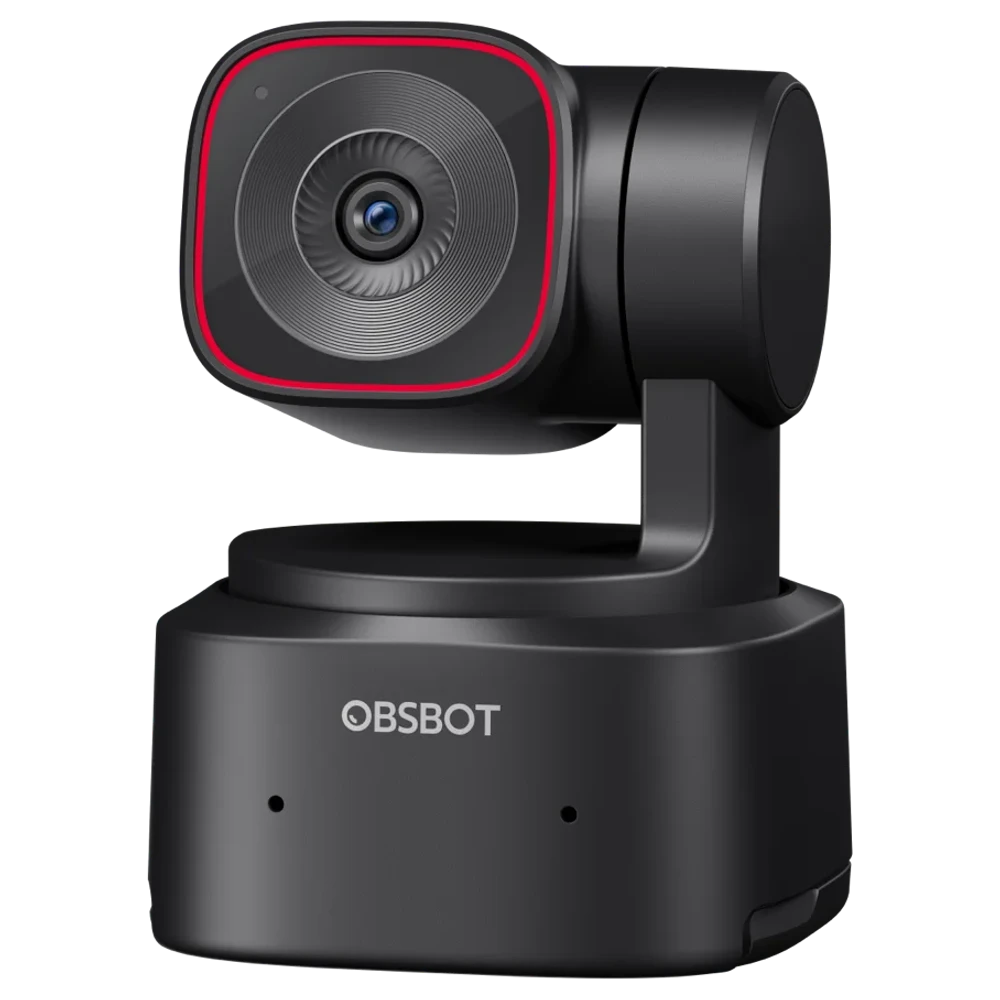
OBSBOT Tiny 2 Lite 4K PTZ Webcam
OBSBOT Tiny 2 Lite - AI-Powered 4K PTZ Webcam| AI Vitamin
View device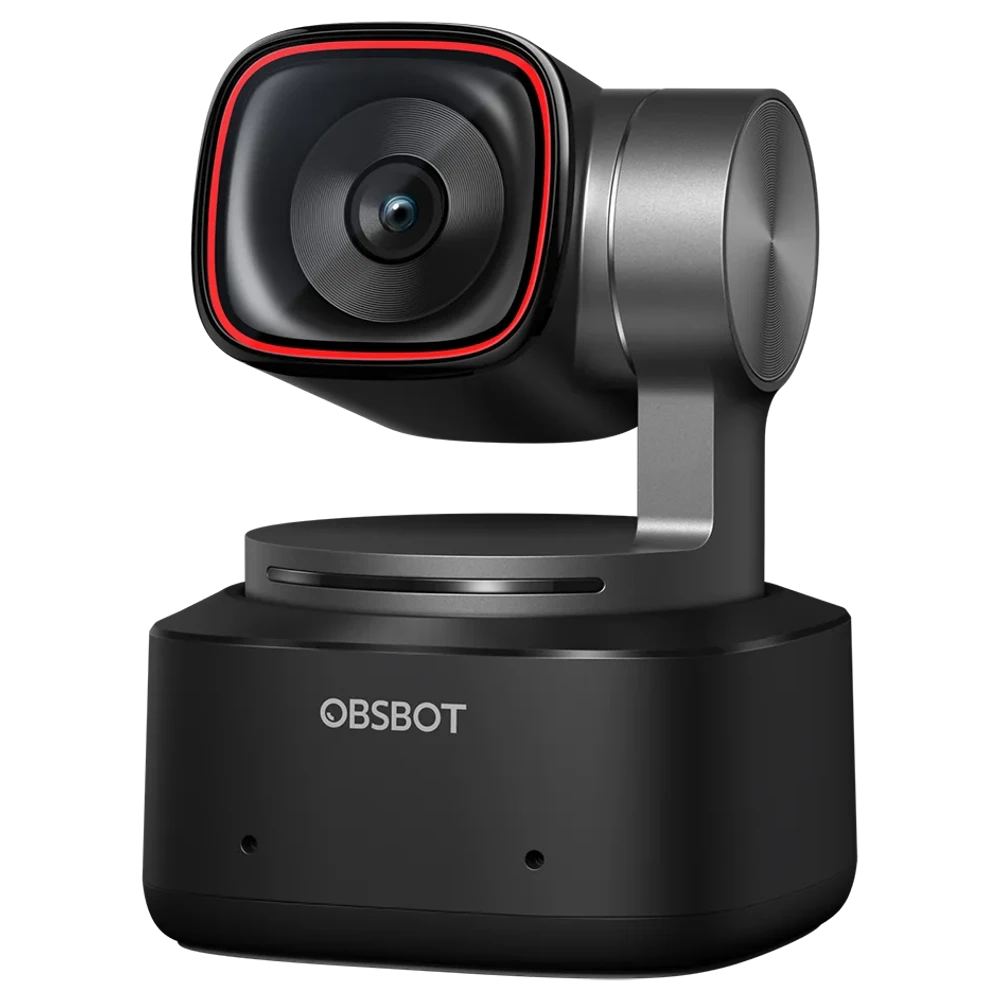
OBSBOT Tiny 2
OBSBOT Tiny 2 - New Era of AI-Powered PTZ 4K Webcam | AI Vitamin
View device